Installation de "Battle of Wesnoth" v2.
Distribution : Raspbian 2014-01-07-wheezy 1) Installation des dépendances :
pi@framboisepi ~ $ sudo apt-get install libboost-iostreams1.50-dev libboost-regex1.50-dev libboost-system1.50-dev libboost-thread1.50-dev libboost-program-options1.50-dev libboost-test1.50-dev libboost-system1.50-dev libboost-filesystem1.50-dev libboost-locale1.50-dev
pi@framboisepi ~ $ sudo apt-get install libsdl1.2-dev  libsdl-sound1.2-dev libsdl-mixer1.2-dev libsdl-ttf2.0-dev libsdl-net1.2-dev libpango1.0-dev libsdl-pango-dev libsdl-image1.2-dev libfribidi-dev
pi@framboisepi ~ $ sudo apt-get install cmake scons
2) Répertoire de travail :
pi@framboisepi ~ $ mkdir -p JEUX/WESNOTH
pi@framboisepi ~ $ cd JEUX/WESNOTH/
pi@framboisepi ~/JEUX/WESNOTH $
3) Télécharger le code source :
pi@framboisepi ~/JEUX/WESNOTH $ wget http://downloads.sourceforge.net/project/wesnoth/wesnoth-1.10/wesnoth-1.10.7/wesnoth-1.10.7.tar.bz24) Décompresser l'archive :
pi@framboisepi ~/JEUX/WESNOTH $ tar xvfj wesnoth-1.10.7.tar.bz25) Compilation :
pi@framboisepi ~/JEUX/WESNOTH $ cd wesnoth-1.10.7/
pi@framboisepi ~/JEUX/WESNOTH/wesnoth-1.10.7 $ scons
6) Installation :
pi@framboisepi ~/JEUX/WESNOTH/wesnoth-1.10.7 $ sudo scons install
pi@framboisepi ~/JEUX/WESNOTH/wesnoth-1.10.7 $ cd
pi@framboisepi ~ $
7) Lancement du de Westnoth :
pi@framboisepi ~ $ wesnoth8) Captures d'écran :
Jeu :
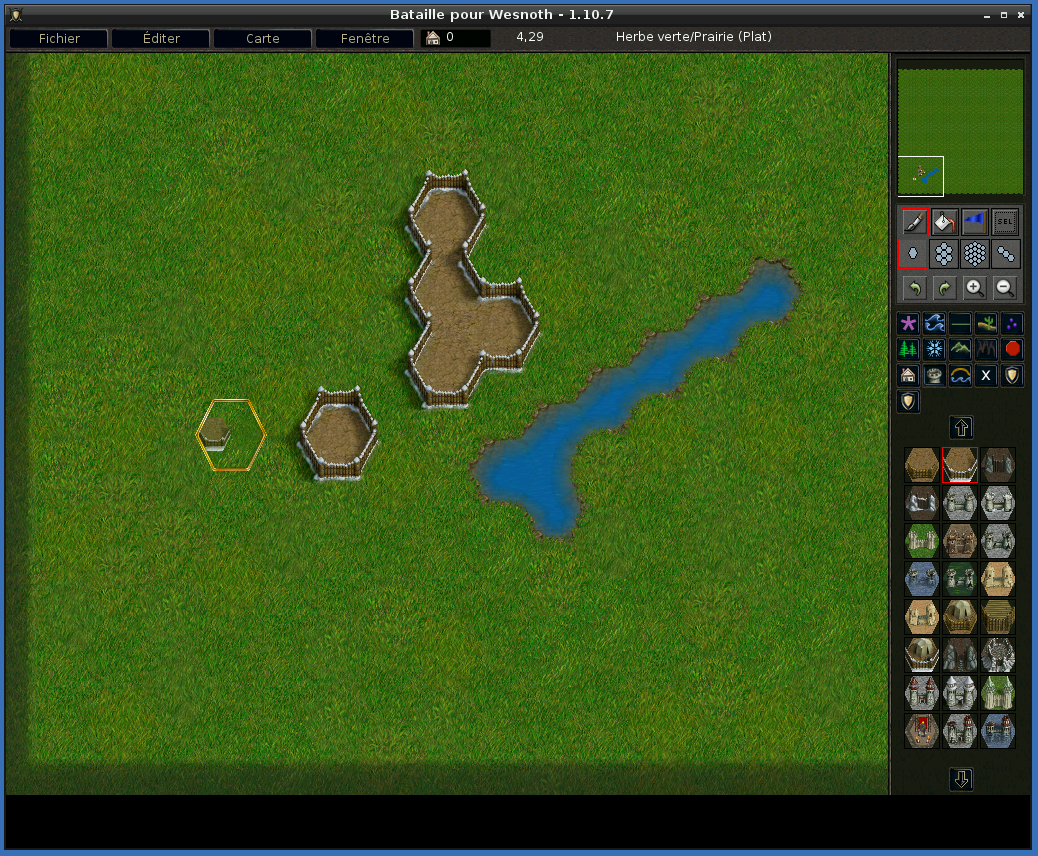
 Editeur de carte :
 9) Lien :
Site officiel : http://www.wesnoth.org/
9) Lien :
Site officiel : http://www.wesnoth.org/